A practical guide / SPAMSCOPE
Suspicious emails: recognise the risks and know what to do
A delayed parcel, an amended bill, an account to unlock: an email can start with an ordinary situation and ask for money, account access or personal information. Focus on the request and on what you have already done.
Act immediately if you paid or shared banking details: contact your bank through its official app or a number you already know. If there are concrete threats to your safety, seek help immediately. In Italy, call 112 for imminent danger; elsewhere, use your local emergency service.
Sources and further reading
Got a suspicious email? Forward it as an attachment to check@spamscope.ai. How to do it
It is an automated check, not a guarantee that the email is safe.
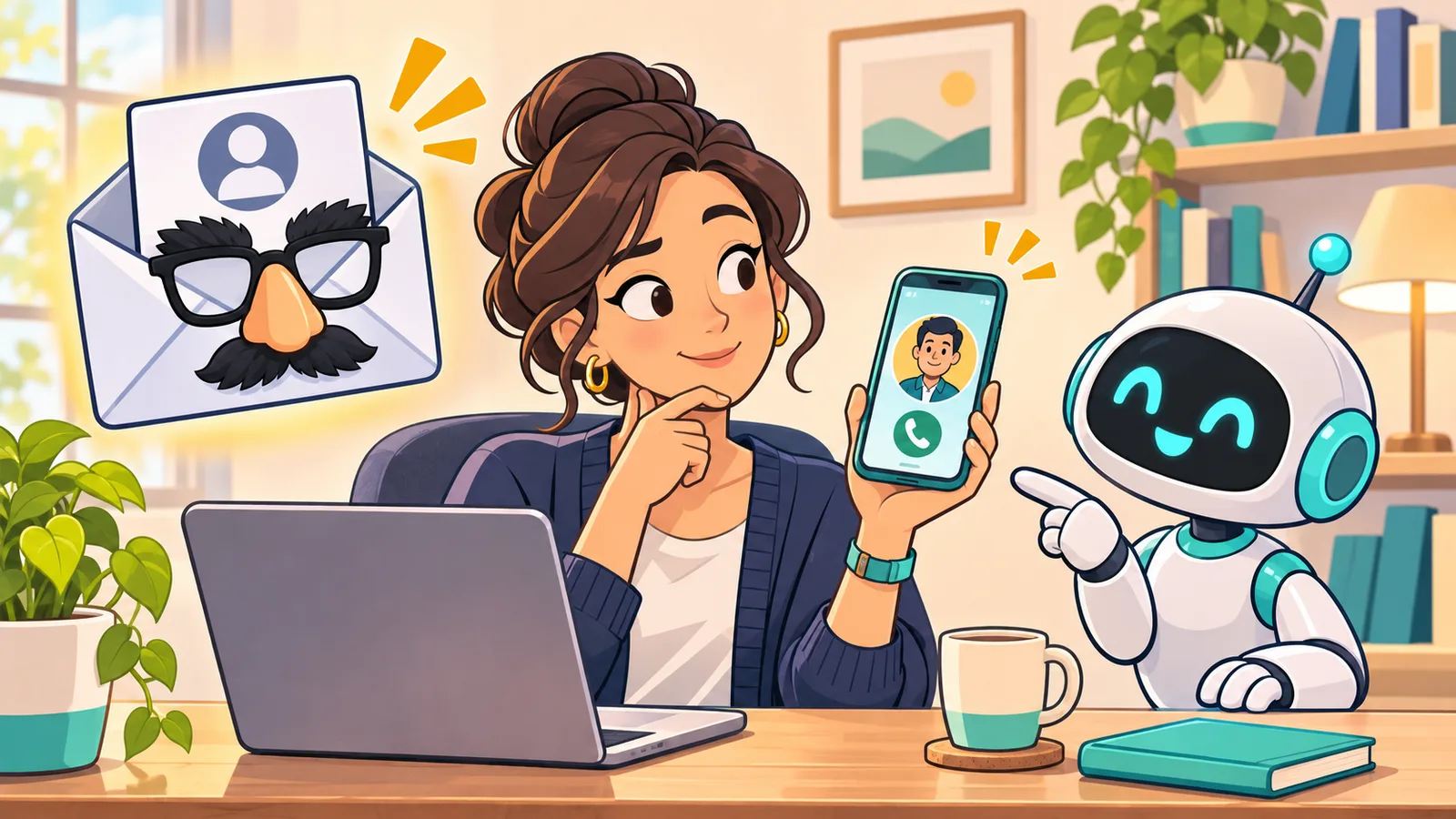
The order follows possible consequences: it is not a severity ranking. A real extortion threat may require immediate help, even though it appears further down the page.
I want to know if this is a scam
- Focus on the request. Does it ask for a payment, password, code, identity document, opened file or permission to access your account? Urgency and secrecy are reasons to verify.
- Check outside the email. Open the app or website you normally use yourself. To call a person or company, use contact details you already know, rather than those in the message. Confirm changes to bank details this way too.
- Wait for confirmation before proceeding. A familiar name does not prove a request is genuine: a real account can also be compromised.
Sources and further reading
The examples below are entirely fictional. Addresses using example.com are
reserved for examples; they are not support contacts. The simulated emails contain no operational links.
I have already done something
Choose what actually happened. If more than one case applies, follow all relevant steps; a simple click and a payment need different responses.
I only read the email or followed a link
If you did not enter information, download files, install software or grant permissions, a click alone does not establish that an account or device was compromised. Stop interacting, do not follow further instructions and watch for unusual activity. If you took other actions, use the corresponding case below.
Sources and further reading
I downloaded a file without opening it
Do not open or run it to find out what it contains. Downloading a file is different from running it. If you suspect malware, follow scanning or support guidance specific to your type of device.
Sources and further reading
I opened a document or attachment
Do not enable macros, “content” or installations requested by the file: these can run code. Opening a document and running a program are different situations; risk also depends on the file and software. If you suspect an infection, use updated protection and seek help if the problem persists.
Sources and further reading
I ran a program, installed software or see locked files
If you suspect malware, stop using the device for banking, shopping and sensitive logins. On a computer, update protection and run a scan; on a phone or tablet, follow the operating system's official support guidance. If files are being encrypted or a ransom demand appears, seek technical help immediately. Payment does not guarantee file recovery.
Sources and further reading
I entered a password or code, or see unfamiliar sign-ins
Open the service independently and start account recovery, avoiding a device you suspect is infected. Change the compromised password and any passwords reused elsewhere. In the security settings, sign out other sessions and check recovery contact details, email forwarding rules and recent activity; ask your provider if you cannot find these controls. Pay particular attention to the email account used to recover your other accounts. Enable multifactor authentication, which adds another check beyond the password, such as confirmation through an app, and warn your contacts if messages were sent in your name.
Sources and further reading
I allowed an app to access my account
Open your account settings through the official website or app and revoke the suspicious app's access. Check which permissions it had, such as reading or sending email. If you cannot remove it, contact your provider or IT support. Changing only the password may leave the authorisation valid. Also check account activity using the previous case.
Sources and further reading
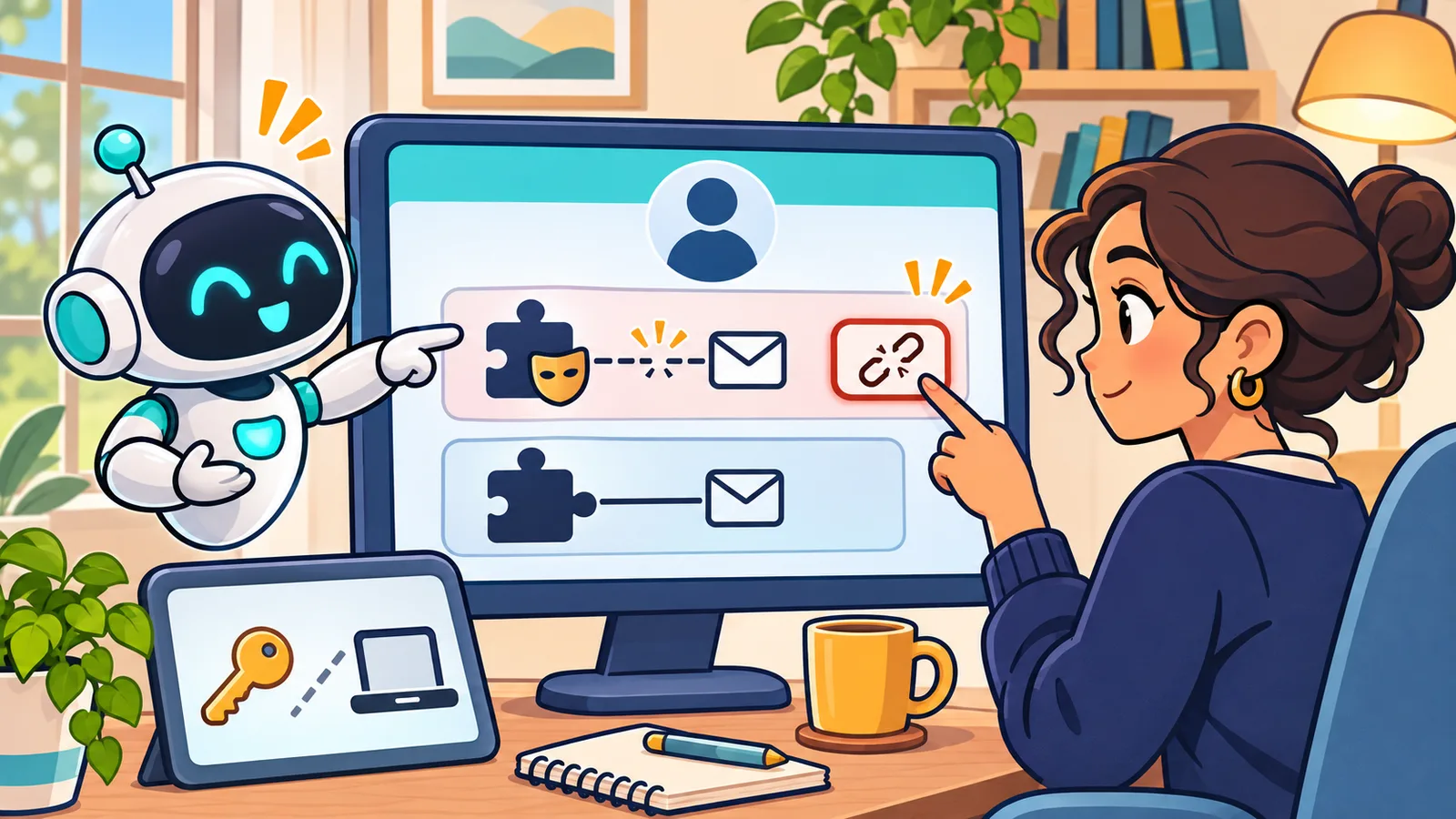
I sent personal information or copies of identity documents
Keep messages and evidence of what you sent. Contact your local police about stolen documents or suspected identity fraud and explain which information was taken. Ask how to make a formal report in your country; reporting a message to your email provider is a separate step. If banking details were involved, notify your bank immediately. Watch for applications and transactions in your name.
Sources and further reading
I paid or shared card or bank account details
Contact your bank, card issuer or payment service immediately, using a verified channel. Explain how you paid and ask which blocks or recovery attempts are possible: getting the money back is not guaranteed. Keep emails and receipts for your police report.
Sources and further reading
Are there threats or extortion? Use the dedicated section, especially if someone actually possesses private material or threatens you directly.
Is this a work account or device? Tell IT support immediately and describe what you did, even if you only clicked a link. Follow your organisation's recovery procedures.
Sources and further reading
Money: false payments and purchases
The harm can be a charge, a transfer to the wrong recipient or stolen payment details. Check the request in your usual app or service; confirm any new bank details separately. Even an existing conversation may have been intercepted or an account compromised.
Sources and further reading
Fictional example
Parcel —
deliveries@example.com: “Pay €1.99 to release your parcel. You have one hour.”Request: enter card details. Trick: a small amount and deadline make the request seem harmless. Correct action: check the delivery in the courier's app or website, opened independently, without paying through the email.
Sources and further reading
Fictional example
Bill —
billing@example.com: “For your next bill, use the new bank account in the attachment.”Request: change the transfer recipient. Trick: a plausible bill or reply in a familiar email conversation. Correct action: confirm the change with the supplier using a number you already know.
Sources and further reading
Fictional example
Purchase —
seller@example.com: “The platform payment is blocked. Pay directly here for a discount.”Request: move the payment to instructions received by email. Trick: a financial incentive to follow a different payment route. Correct action: check the order and payment inside the official platform; do not make a second payment based on the message.
Sources and further reading
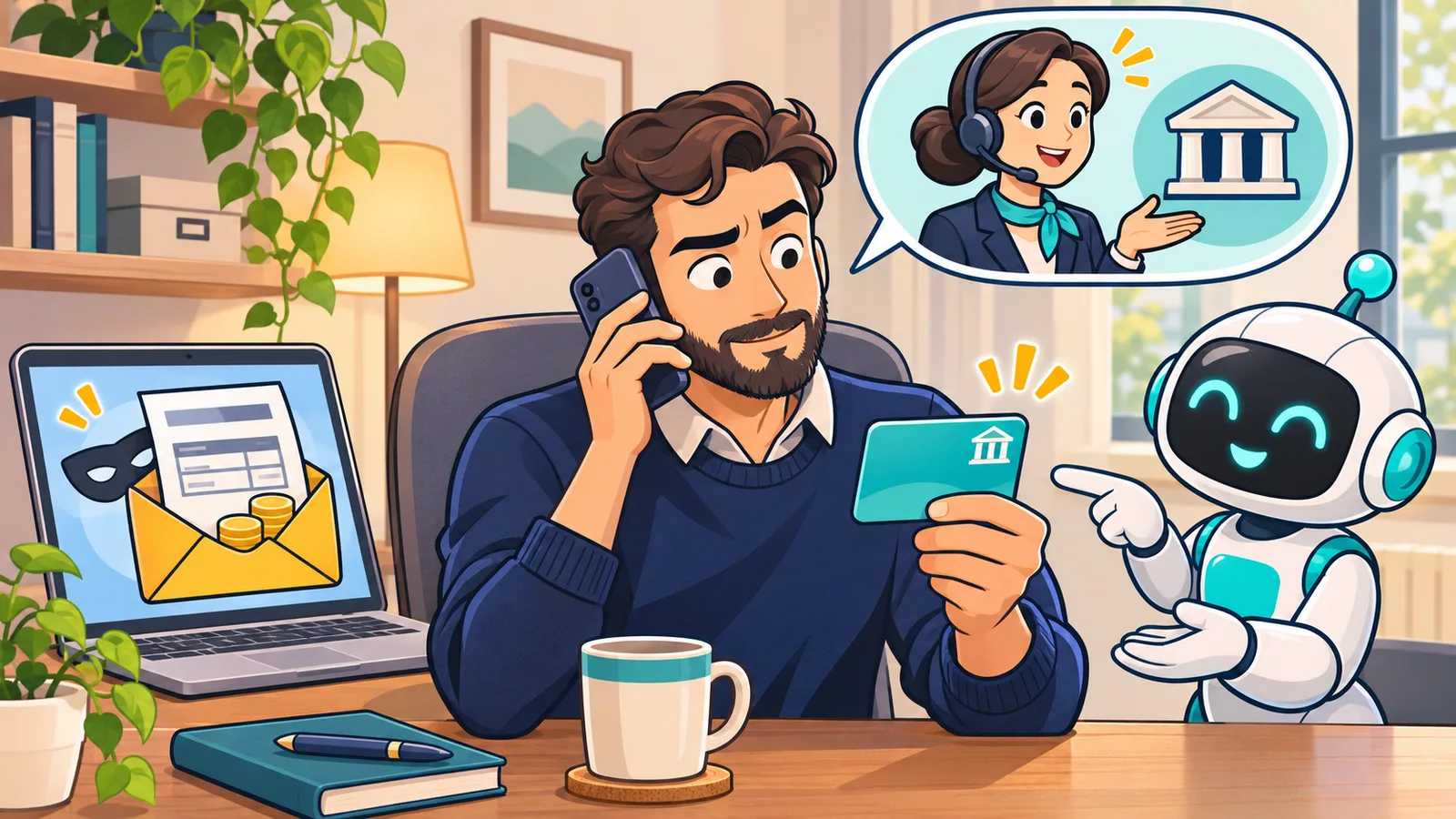
Accounts and identity: logins, documents and permissions
The fake bank and the familiar sender
Phishing is a deception intended to make you hand over information or take a dangerous action. Spoofing means falsifying an identity: a displayed sender name and claimed address can imitate your bank or a friend. A genuine account can also be stolen, so a real address belonging to someone you know does not make every request safe.
Sources and further reading
Fictional example
Bank —
support@example.com: “Account access suspended. Confirm your password, code and a photo of your ID.”Request: surrender account access and identity information. Trick: imitate a security check. Correct action: open your bank's app and contact support there, without providing the information requested by email.
Fictional example
Known account —
friend@example.com: “I'm in trouble. Buy these gift cards and send me the codes now. I can't talk.”Request: send value in a friend's name. Trick: trust, urgency and a claimed inability to verify. Correct action: call the person using the number you already had; wait for independent confirmation.
Sources and further reading
The harm can spread to accounts recoverable through your email and to misuse of your identity documents. A session keeps you signed in after login. A fraudulent site acting as an intermediary during login can steal it and allow account access even after a multifactor check. Reviewing and ending active sessions is therefore part of recovery, alongside changing the password.
Sources and further reading
The QR code hiding the destination
Fictional example
Personal account —
account@example.com: “Scan this QR code on your phone to stop your profile being closed.”Request: open a page and sign in. Trick: move verification to your phone and hide the address behind an image. Correct action: check your profile in the official app, opened separately.
A QR code can lead to a site that steals credentials or encourages software installation. Scanning it does not automatically mean you have handed over a password: what you did afterwards matters. If you already acted, choose the relevant case in the recovery section.
Sources and further reading
The app asking for too much
Fictional example
Shared document —
documents@example.com: “To view the file, allow the ‘Quick Reader’ app to read and send your email.”Request: grant access to your account. Trick: present extensive permissions as a requirement for reading a file. Correct action: stop the consent process and verify the document with its supposed sender through an independent contact.
App authorisation, often called OAuth consent, can grant access without giving your password to the scammer. Even a genuine provider's consent screen can grant permissions to a malicious app. Read what it will be allowed to do; if you already accepted, revoke the permission, rather than only changing your password.
Sources and further reading
Devices and files: attachments, malware and ransomware
Malware is harmful software. Ransomware can lock or encrypt files and demand a ransom; some attacks also steal information. Documents, photos and other connected devices can be affected.
Sources and further reading
Fictional example
Invoice —
accounts@example.com: “Openexample-invoice.docmand enable content to see the total.”Request: open an attachment and run active content. Trick: make a technical step appear necessary to read the file. Correct action: do not enable macros or install the suggested reader; verify the attachment with the supposed sender through an independent channel.
Sources and further reading
An unexpected document or installation request needs verification even when the message appears to come from a colleague. If you interacted, distinguish a downloaded file, an opened document and an executed program: these are different events.
Extortion: distinguish a bluff from concrete threats
The mass email
Fictional example
Extortion —
notice@example.com: “I know an old password of yours and have private recordings. Pay today.”Request: money in exchange for silence. Trick: use an already leaked password to make surveillance appear proven. Correct action: do not pay or reply to a generic mass extortion email; report it as phishing. If you still use that password, change it on the affected accounts.
Sources and further reading
An old password does not by itself prove that someone has private material. If you are unsure which case applies or there is concrete evidence, keep the evidence and seek help using the route below.
Someone actually has material or threatens you directly
Fictional example
Threat —
contact@example.com: “I have the images you sent me. Pay or I'll publish them.”Request: money or more material under threat. Trick: use fear and isolation to obtain further concessions. Correct action: do not pay or send more material; keep messages and evidence, stop contact and seek help immediately from the police and someone you trust.
Sources and further reading
This situation needs a different response from a mass bluff. Material can be real, stolen or manipulated: seek help even if you cannot assess it yourself. Contact your local police about threats or non-consensual sharing of intimate images. In Italy, the Data Protection Authority also offers a preventive reporting route where there is a well-founded risk of intimate images being shared without consent. If a minor is involved, involve a trusted adult and the police immediately. For imminent danger to personal safety, use your local emergency service; in Italy, call 112.
Spam: unwanted does not always mean fraudulent
Spam is unwanted email: it can be advertising, but it can also carry a scam. The harm depends on the request and subsequent actions, rather than just the volume of messages.
Sources and further reading
Fictional example
Promotion —
offers@example.com: “You've been selected! Reply with your details to claim your prize.”Request: reply and provide information. Trick: make data collection appear to be a personal reward. Correct action: do not reply; use your email application's controls to report spam or phishing. Do not use the suspicious message's links to “fix” your account.
Sources and further reading
Prevention: a few useful habits
- Use a different password for every account. A password manager is a tool that stores passwords and can generate new ones.
- Where available, choose passkeys: credentials you use by unlocking a device you own, for example with your fingerprint, face or PIN, without typing a password.
- Enable multifactor authentication: another check beyond the password, such as confirmation through an app. These protections do not make consent to a malicious app safe.
- Do not share passwords or login codes with someone who contacts you, and do not approve sign-in requests you did not initiate.
- Keep your operating system, browser and apps updated. Keep recoverable backups separate from the files you use.
- For payments, bank detail changes and unexpected documents, make independent verification a habit, even with familiar contacts.
Sources and review
This guide links to official references with English text near the advice they support. NCSC sources identify their country, the UK or New Zealand; the ICO and Report Fraud are UK sources, while the FTC and FBI are US agencies. Their prevention principles can be useful elsewhere, while reporting channels and procedures depend on your country. Contact your bank or provider through official channels and your local police where relevant. The Italian Data Protection Authority route is specific to Italy; 112 is an emergency number throughout the EU, including Italy. UK and US reporting routes in linked sources apply to their respective countries.
Editorial review: 13 November 2026. Next review planned: 13 May 2027, or sooner if important guidance changes. This is a planned editorial cadence, rather than an automated check.